Compress PDF to 1 MB for Email and Uploads
Get a PDF under 1 MB for a work inbox, a website form or a government portal. The target is set for you, and nothing is uploaded.
Select a PDF to compress to 1 MB
or drop it here. Target size opens set to 1 MB.
Your files never leave your device
A 5.35 MB scan, brought under 1 MB
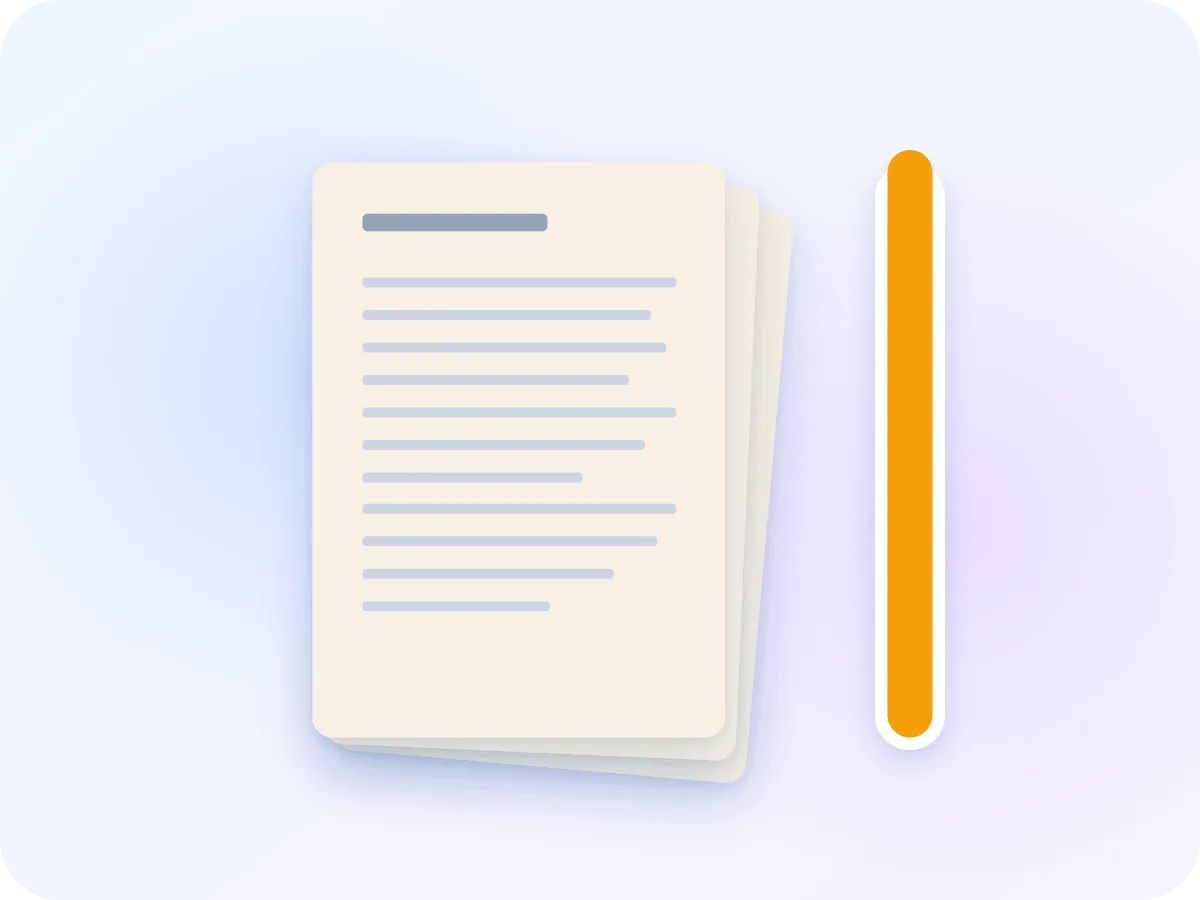
5.35 MBOriginal: a 4-page colour scan
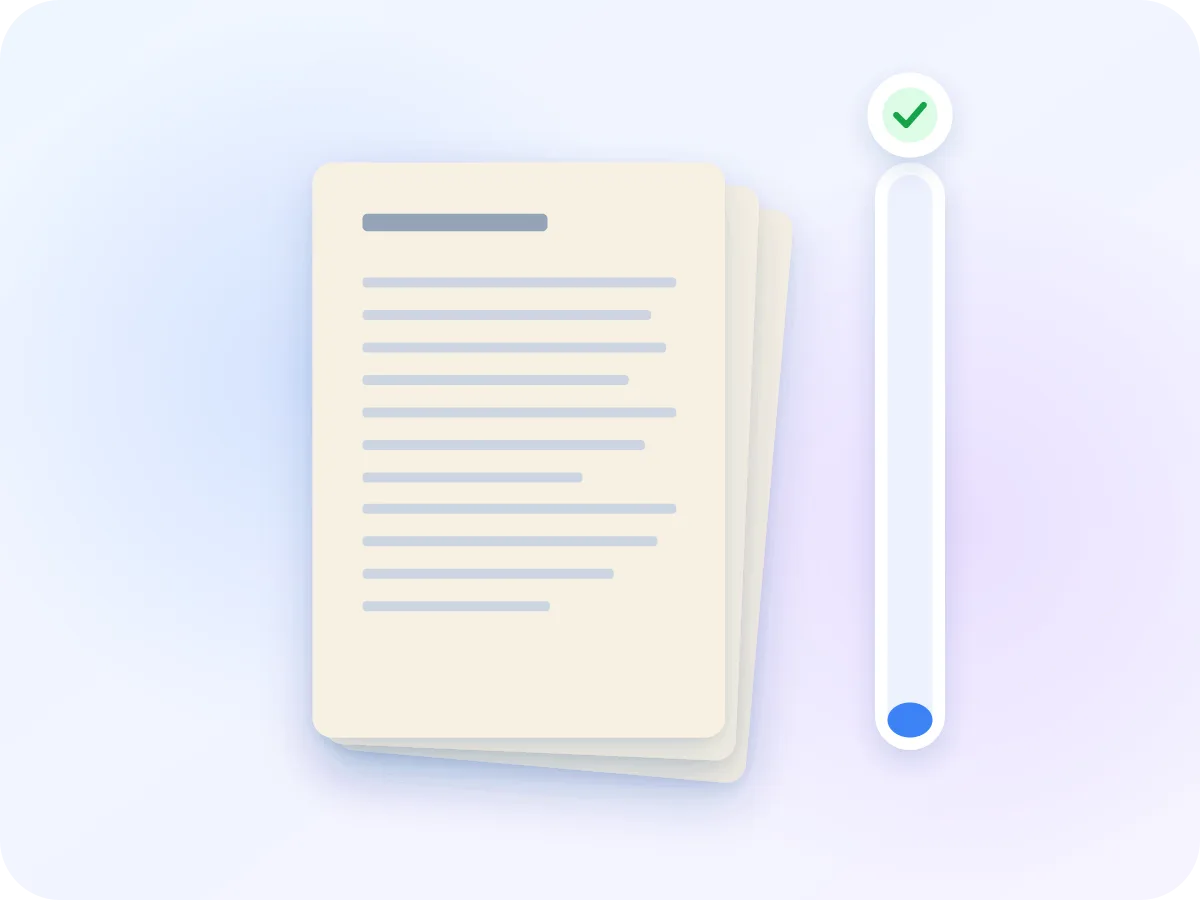
667.7 KBWith the 1 MB target: target met
We ran a 4-page colour scan at 300 dpi through this tool with the 1 MB target. It came out at 667,678 bytes. Longer or more detailed files may not reach the target. If that happens, the tool tells you the smallest size it can reach.
How to compress a PDF to 1 MB
Drop your PDF
Add the PDF you want to send. It opens in the editor in your browser, without an upload.
1 MB is set
Target size is on and set to 1 MB. For a site that counts 1 MB as 1,000 KB, type 950 in KB instead.
Read the estimate first
The editor shows the smallest size it expects. If your PDF is mostly text, it suggests Keep text mode, which keeps the text selectable.
Compress and compare
Click Compress & Download. The smaller file saves to your device, and the slider shows each page before and after.
What you get with the 1 MB preset
Lightest setting that fits
The editor tests sample pages and uses the least compression its estimate says will fit under 1 MB.
Work files stay private
Contracts and invoices are compressed in your browser. Nothing is uploaded or saved.
See it before you send it
Compare each page with the original, so you know what the reader will open.
Any target you need
Type a custom size in KB or MB, such as 950 KB or 2 MB, when a site sets a different limit.
What stays the same under 1 MB
Target size redraws each page as a compressed picture and saves them as a new PDF. What you see stays, and the interactive parts drop out.
| Part of the file | After compressing | What that means |
|---|---|---|
| Pages | Kept | Same pages in the same order, size and orientation. |
| Text | Turned into a picture | You can read it, but not select, search or copy it. |
| Links, bookmarks and form fields | Don't work | Use Keep text mode if the reader needs to click links or fill in fields. |
| Colour | Kept | Grayscale is optional and off by default. |
| Document details | Not copied | The title and author from the original are left out of the new file. |
Password-protected PDFs need the password removed with Unlock PDF before they can be compressed.
Shrink a PDF under 1 MB to send or upload
1 MB turns up wherever a site or inbox wants everyday files kept small. India's GST registration, for example, takes documents of up to 1 MB, and Microsoft 365 admins can set work email limits as low as 1 MB.
1 MB gives a scan of several pages more room than the smaller sizes. The editor picks the lightest setting it expects to fit, so pages keep as much detail as the target allows. Before you start, check the real limit for your site, since some count 1 MB as 1,000 KB.
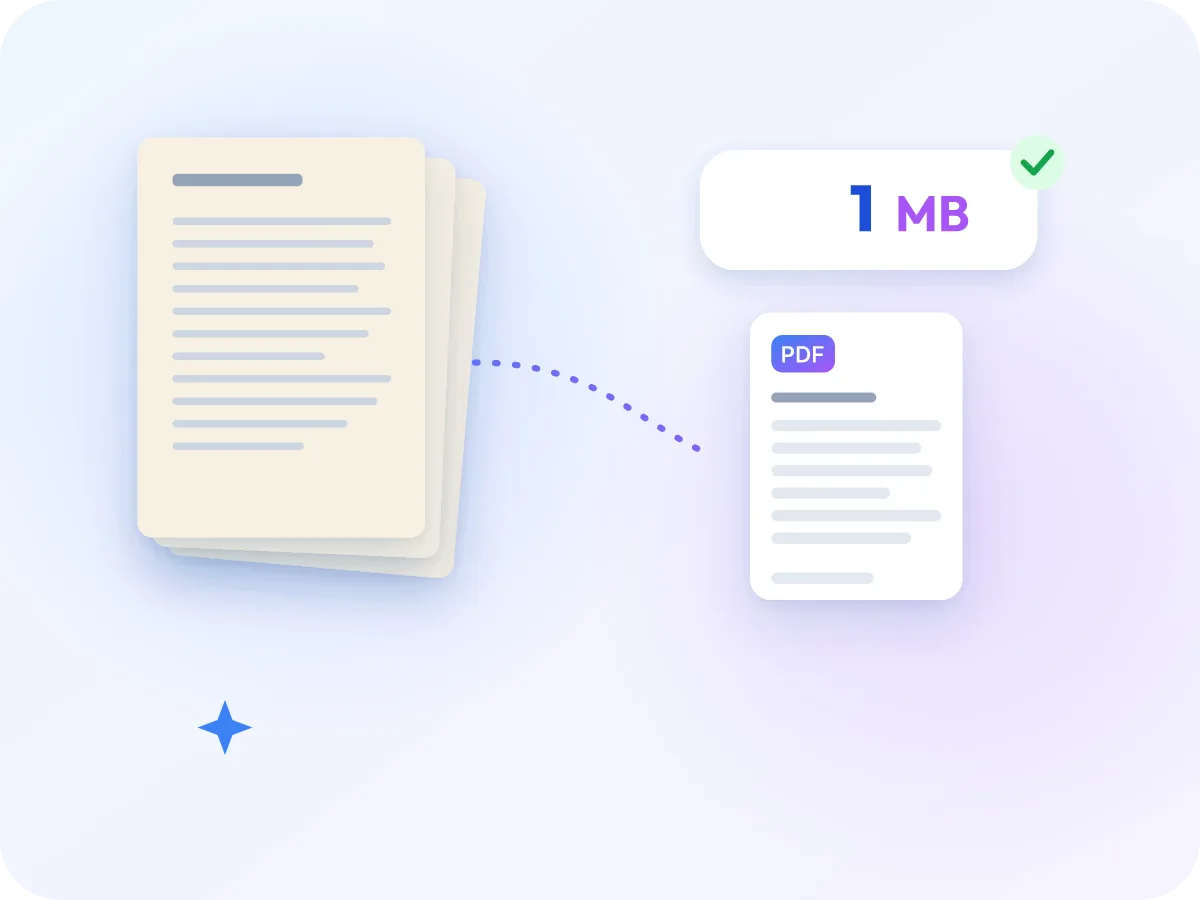
Where a 1 MB limit comes up
These are typical places a 1 MB cap appears.
Government portals
Some portals cap each document at 1 MB, such as GST registration and Passport Seva appeals in India.
Website forms
Job, booking and contact forms sometimes cap attachments at 1 MB. Check the form limit, then compress to match.
Work email with a low limit
Company email can have a lower attachment limit than personal email. Under 1 MB, a PDF fits the limits of the big mail services too.
Sharing on mobile data
A smaller PDF sends faster in a chat and opens faster on a phone.
Frequently asked questions
Will my PDF lose quality going under 1 MB?
Some, because each page is saved again as a compressed picture, even at the lightest setting. The editor uses the least compression its estimate says will fit 1 MB. Compare pages on the slider to see the difference.
Is 1 MB 1,000 KB or 1,024 KB?
Both are used. The editor counts 1 MB as 1,000 KB, the stricter of the two, and aims about 5% under, at roughly 950 KB. A file that meets 1 MB here passes either way.
My PDF is mostly text. Should I use this?
Try Keep text mode first. When the editor sees a mostly text PDF, it suggests that mode, which keeps text selectable and links working. It doesn't aim for a size, so check that the result is under 1 MB.
What if my PDF is already under 1 MB?
You don't need to compress it. Running it through anyway turns the pages into pictures and may not make the file smaller.
Is this safe for work documents?
Yes. Compression runs in your browser, and the PDF is never uploaded. Nothing stays on the page after you close the tab.
What if my PDF can't get under 1 MB?
You still get the smallest file the editor could make, with a note that 1 MB was missed. Try Grayscale, or split a long file and send the parts. If your site allows more, set a bigger target.
Is resizing a PDF to 1 MB the same as compressing it?
Yes. When an email limit or upload form asks you to resize a PDF to 1 MB, it means the file size, and that is what this page does. To change the paper size instead, such as to A4 or Letter, use Resize PDF.
Related tools
Ready to get your PDF under 1 MB?
Drop your PDF above. The 1 MB target is set, compression happens in your browser, and there is no signup, quota or watermark.
Choose files