PDF to Markdown Converter for AI and Docs
Turn a text PDF into clean Markdown. Headings, lists and tables come out ready to paste into AI chats, docs or GitHub. Free, and your file stays on your device.
Select a PDF to convert to Markdown
Drag and drop a PDF here, or click to browse. Works with PDFs whose text you can select.
Your files never leave your device
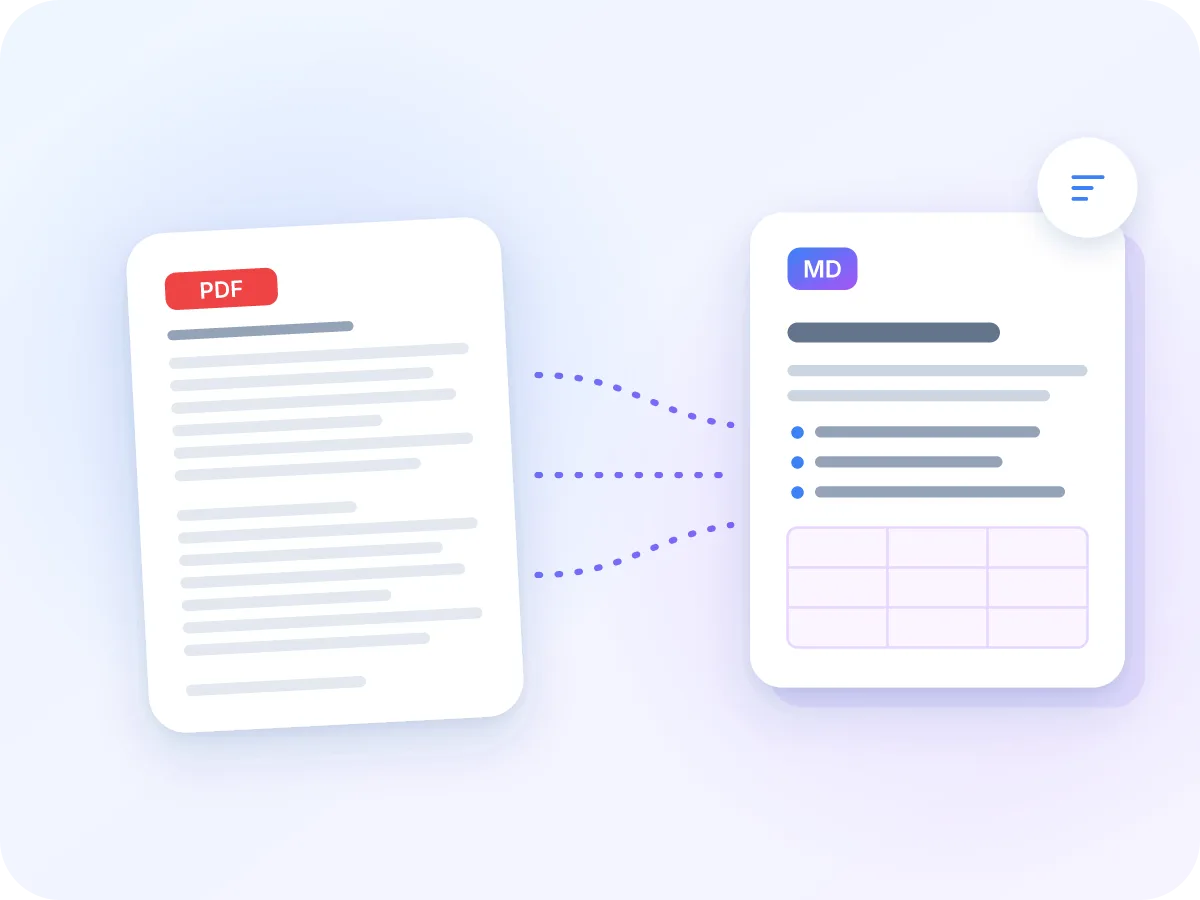
What comes across from PDF to Markdown
Fixed layout
MD
Structured text
Comes across well
- Headings at three levels, from text size
- Paragraphs, with broken lines joined
- Bullet lists as - items
- Tables as pipe tables with a header row
Worth a check
- Scanned pages: run OCR PDF first
- Images, links, bold and italic: left out
- Numbered lists: kept as typed text
- Headers, footers and split words: kept as they are
What converts, and how
The converter rebuilds the structure of your PDF from the size and position of its text.
| In your PDF | In the Markdown |
|---|---|
| Short lines in larger type | Headings at three levels: #, ## and ### |
| Body text | Paragraphs, with the lines of each paragraph joined |
| Bullet points (•, - or –) | List items starting with -, all at one level |
| Tables | Pipe tables, with the first row as the header |
| Two-column pages | One column after the other, in reading order |
| Page breaks | Hidden markers like <!-- Page 3 -->, on by default |
Images, links, colors, bold and italic are not carried over. Numbered lists stay as typed text, so their numbers don't change.
How to convert PDF to Markdown
Upload your PDF
Drop a PDF into the box above, or click to browse. It opens right in your browser.
Pick pages (optional)
Type a range like 1-3, 5 to convert part of the file. Leave it empty to convert every page.
Choose page markers
“Mark page breaks” is on by default and adds a hidden page number before each page. Turn it off if you plan to publish the Markdown.
Convert and copy
Click Convert. The Markdown appears in a preview with a word count. Click Copy to paste it into a chat, an editor or a pull request.
Download the .md file
Save the result as a .md file with the same name as your PDF.
Why convert PDF to Markdown?
PDFs are made for printing, not for reuse. Copy text out of one and you get broken lines, lost headings and tables that fall apart. This converter rebuilds headings, paragraphs, lists and tables for you.
Markdown is plain text with simple marks for structure, so it works in AI tools, docs sites, note apps and code repositories. Only need the words, with scans read by OCR? Use PDF to Text instead.
Who uses a PDF to Markdown converter?
Anyone who needs the words in a PDF to work somewhere else.
AI and knowledge bases
Turn reports and manuals into Markdown before adding them to a knowledge base or pasting them into an AI chat.
Docs and wikis
Move old PDF manuals into a docs site or wiki without retyping every heading.
Developers
Convert specs and API guides into .md files that live next to the code and display well on GitHub.
Students and researchers
Pull notes out of papers and lecture handouts into a note app that uses Markdown.
Legal and policy teams
Turn policies and contracts into text you can search, compare and track in version control.
Content teams
Reuse white papers and brochures as blog drafts or web pages.
What you get with PDF to Markdown
- Private by design. Your PDF is read on your device and never uploaded, so contracts and reports stay private.
- Real structure, not a text dump. Large text becomes # headings, bullets become - lists, and tables become pipe tables. The result reads like a document.
- Ready for AI tools. Markdown is plain text, so AI chats and search tools read it directly. Headings and tables come through as marks a model can follow.
- Copy in one click. The preview shows the full Markdown. Copy it to your clipboard without downloading a file.
- Two-column pages in order. Papers and newsletters with two or three columns are read one column at a time, so sentences don't get mixed together.
- Free, no sign-up. Convert as many PDFs as you like. No account, no watermark and no daily limit.
Benefits of converting PDF to Markdown in your browser
A browser-based converter is quick to use and keeps your files private.
- No upload. Your file is read on your own device from start to finish.
- No retyping. Headings, lists and tables come out already formatted.
- Plain text that lasts. Markdown opens in any text editor, today and years from now.
- Easy to edit and compare. Line-based text works well with version control and diff tools.
- Copy or download. Paste straight from the preview, or save a .md file.
- Free, with no sign-up, no watermark and no daily limit.
How PDF to Markdown conversion works
The converter reads the text on each page, along with the position and size of every word. It groups words into lines and splits two-column pages so they read in order.
Then it sorts the lines. Short lines in noticeably larger type become headings, bullet lines become a list, and lines that line up in a grid become a table. Characters that Markdown uses for formatting, like * and _, are escaped so your text shows exactly as written.
PDF to Markdown: LuraPDF vs other options
| Feature | LuraPDF | Upload-based converters | Manual copy and paste |
|---|---|---|---|
| File stays on your device | Yes | No | Yes |
| Headings and lists kept | Yes | Varies | No |
| Tables as Markdown tables | Yes | Varies | No |
| Free with no sign-up | Yes | Often limited | Yes |
PDF to Markdown: frequently asked questions
How do I convert a PDF to Markdown for free?
Upload your PDF above, click Convert, then copy or download the Markdown. It's free, with no sign-up and no watermark.
What is the best way to convert PDF to Markdown?
Use a converter that keeps the document's structure: headings, lists and tables. This one detects all three from the PDF text and writes standard GitHub-flavored Markdown, with nothing to install.
Does the converter keep tables?
Yes. Tables with ruled lines or evenly spaced columns become Markdown pipe tables, with the first row as the header. Markdown can't merge cells, so a merged cell keeps its text in the first column and leaves the rest blank.
Can I convert a scanned PDF to Markdown?
Not directly. A scan is a picture of text, so there are no words to read yet. The editor spots this and offers to open the file in OCR PDF. After OCR, convert the new PDF to Markdown.
Is my PDF uploaded anywhere?
No. The conversion runs in your browser, and the file never leaves your device.
Why convert a PDF to Markdown for AI tools?
Markdown gives AI tools clean text with clear headings, so they can follow the structure of your document. It also lets you trim the text and paste only the sections you need.
Which Markdown format does it create?
GitHub-flavored Markdown. Tables use the pipe syntax that GitHub, GitLab, Obsidian and most docs sites display as real tables.
What are page markers?
Page markers are notes like <!-- Page 3 --> placed before each page. They're hidden when the Markdown is displayed, but they show you (or an AI tool) which page a passage came from. They're on by default, and you can turn them off in the settings.
Can I convert only some pages?
Yes. Type a page range such as 2-5, 8 in the settings. Leave it blank to convert the whole file.
What doesn't carry over to Markdown?
Images, links, colors, fonts, bold and italic are not kept. Numbered lists stay as typed text, and nested lists become one level. To keep bold, italic and links, use PDF to Word instead.
Tips for better Markdown from a PDF
A few quick checks make the output cleaner.
- Use a PDF with selectable text. If you can't highlight words in your PDF viewer, run OCR PDF first.
- Convert only the pages you need. A page range skips covers, blank pages and appendices.
- Turn page markers off if you plan to publish the Markdown as it is.
- Check tables in the preview. A table without lines or even spacing may come out as plain paragraphs.
- Unlock password-protected PDFs first with Unlock PDF.
- Need a PDF again later? Markdown to PDF turns your edited Markdown back into a clean document.
Related tools
Convert your PDF to Markdown now
Drop in a PDF and get clean, structured Markdown. Copy it, download it and use it anywhere. Free, and your file never leaves your device.
Choose files