Compress PDF to 500 KB for Multi-Page Scans
Fit a scanned agreement, a set of certificates or a short report under 500 KB. The target is preset, and the file stays on your device.
Select a PDF to compress to 500 KB
or drop it here. The editor opens with 500 KB as the target.
Your files never leave your device
A 5.35 MB scan, brought under 500 KB
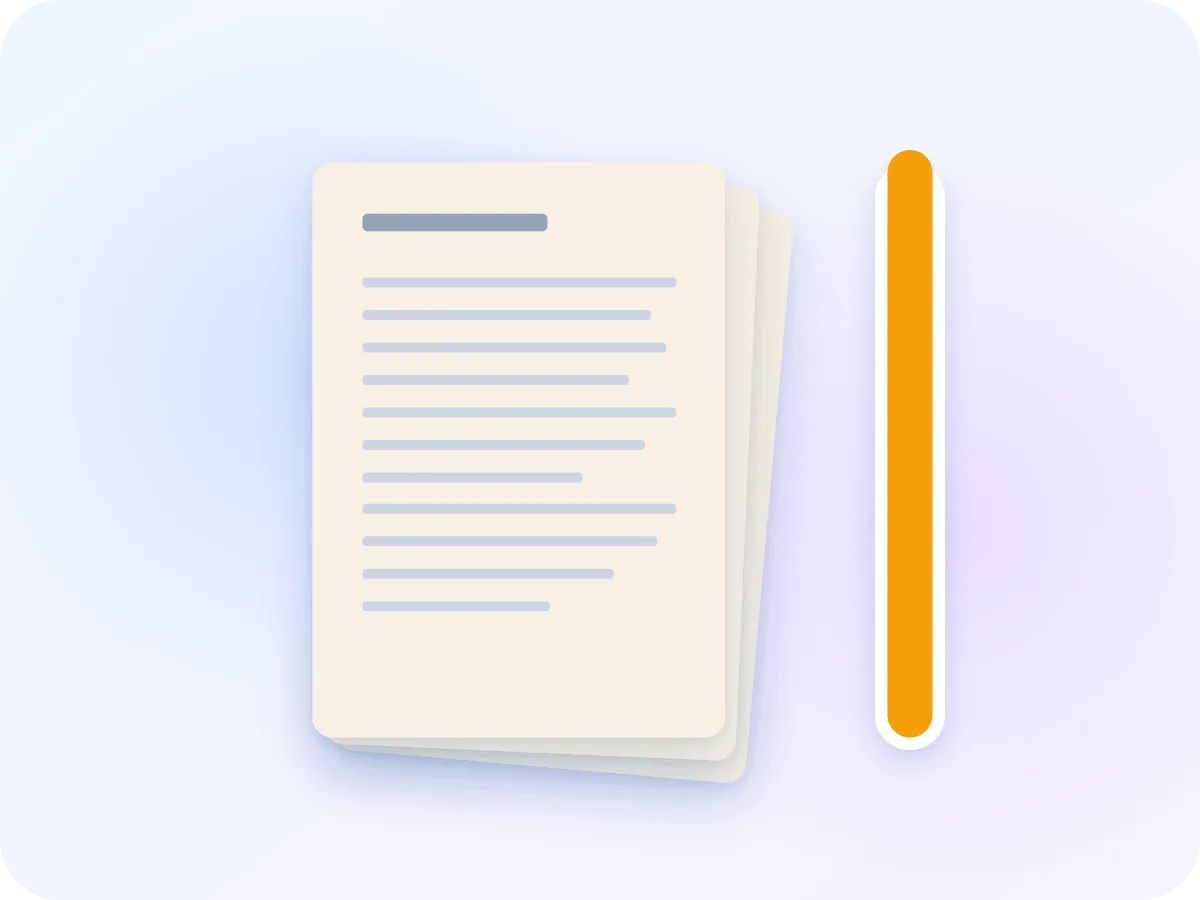
5.35 MBOriginal: a 4-page colour scan
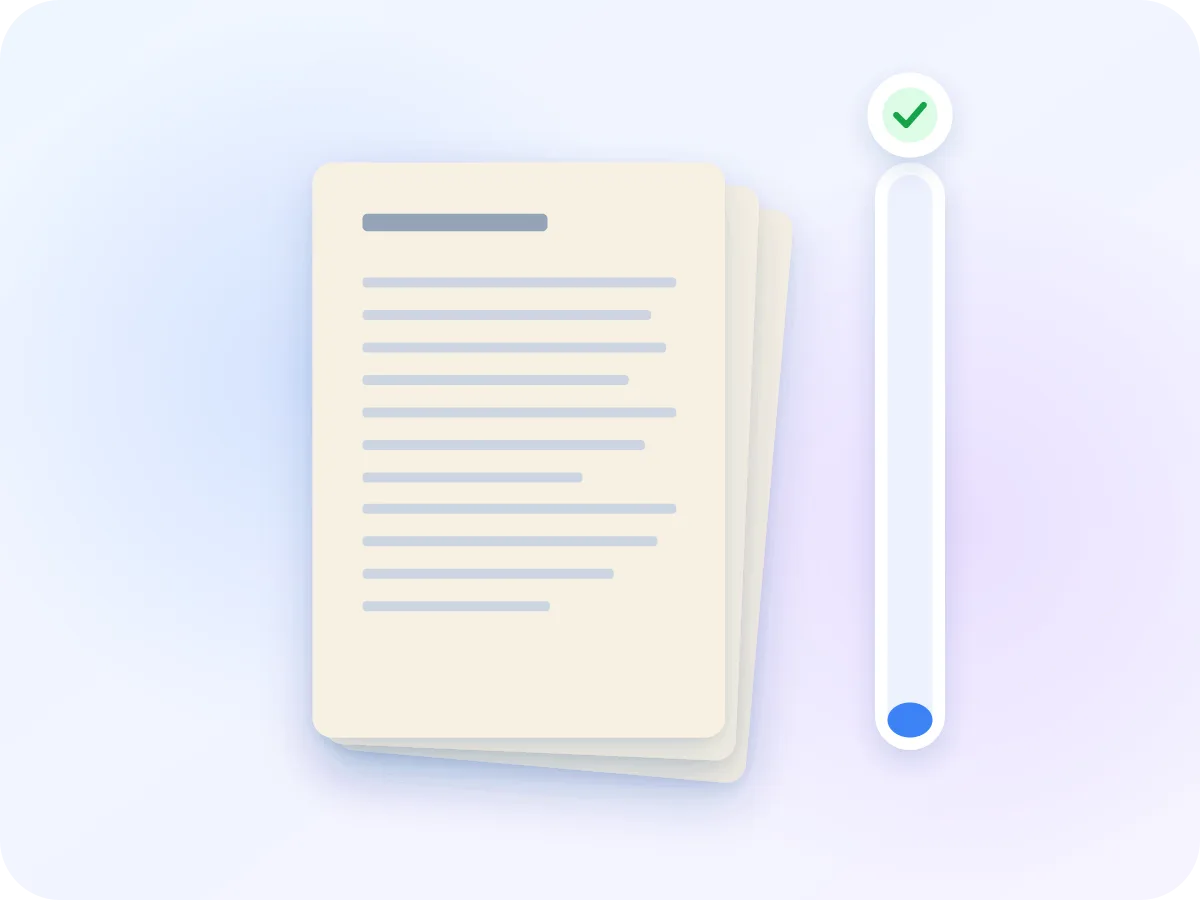
230.1 KBWith the 500 KB target: target met
We ran a 4-page colour scan at 300 dpi through this tool with the 500 KB target. It came out at 230,083 bytes. Longer or more detailed files may not reach the target. If that happens, the tool tells you the smallest size it can reach.
How to compress a PDF to 500 KB
Drop the full document
Add the PDF as one file. If the form wants a single document, combine separate scans first.
500 KB is preset
Target size opens at 500 KB. Change the number if your form sets a different cap. If the papers are black and white, Grayscale removes colour you don't need.
Check the estimate
The smallest expected size appears under the target. A long document that can't fit gets a warning before you compress.
Compress and review each page
Click Compress & Download. When it is done, use the slider and the page arrows to check stamps, signatures and small print on every page.
Built for documents with many pages
One setting, every page
The editor picks one setting for the whole file, so every page gets the same treatment.
Agreements stay on your device
Contracts, claims and statements are compressed in your browser. Nothing is uploaded.
Page-by-page check
Step through each page in the before/after view. Page 7 matters as much as page 1.
Estimate before you start
See the smallest expected size first, so you know whether to split a long file before you compress it.
What survives at 500 KB
Every page is redrawn as a compressed picture at one shared setting, then saved as a new PDF. The look of each page carries over. These parts change.
| Part of the file | After compressing | What that means |
|---|---|---|
| Pages | Kept | Same count, order, size and orientation as the original. |
| Text and small print | Turned into a picture | Readable on screen, but not selectable or searchable. |
| Links, bookmarks and form fields | Don't work | The new file has no clickable links, outline or fillable fields. |
| Colour stamps and ink | Kept by default | Grayscale turns them gray, so leave it off when colour matters. |
| Password-protected files | Remove the password first | A locked file can't be opened for compressing. |
The compressed file downloads with -compressed added to its name, so your original stays as it was.
Fit a document of several pages into 500 KB
500 KB leaves room for several scanned pages in one file. Some forms set exactly this cap: IBPS bank job applications, for example, take the Class 10 certificate as an A4 PDF of up to 500 KB.
Size grows with page count, so long documents are the hard case. The editor uses one setting for every page, and before you start it shows the smallest size it expects. If that is above 500 KB, split the PDF and send the parts, if the form allows it.
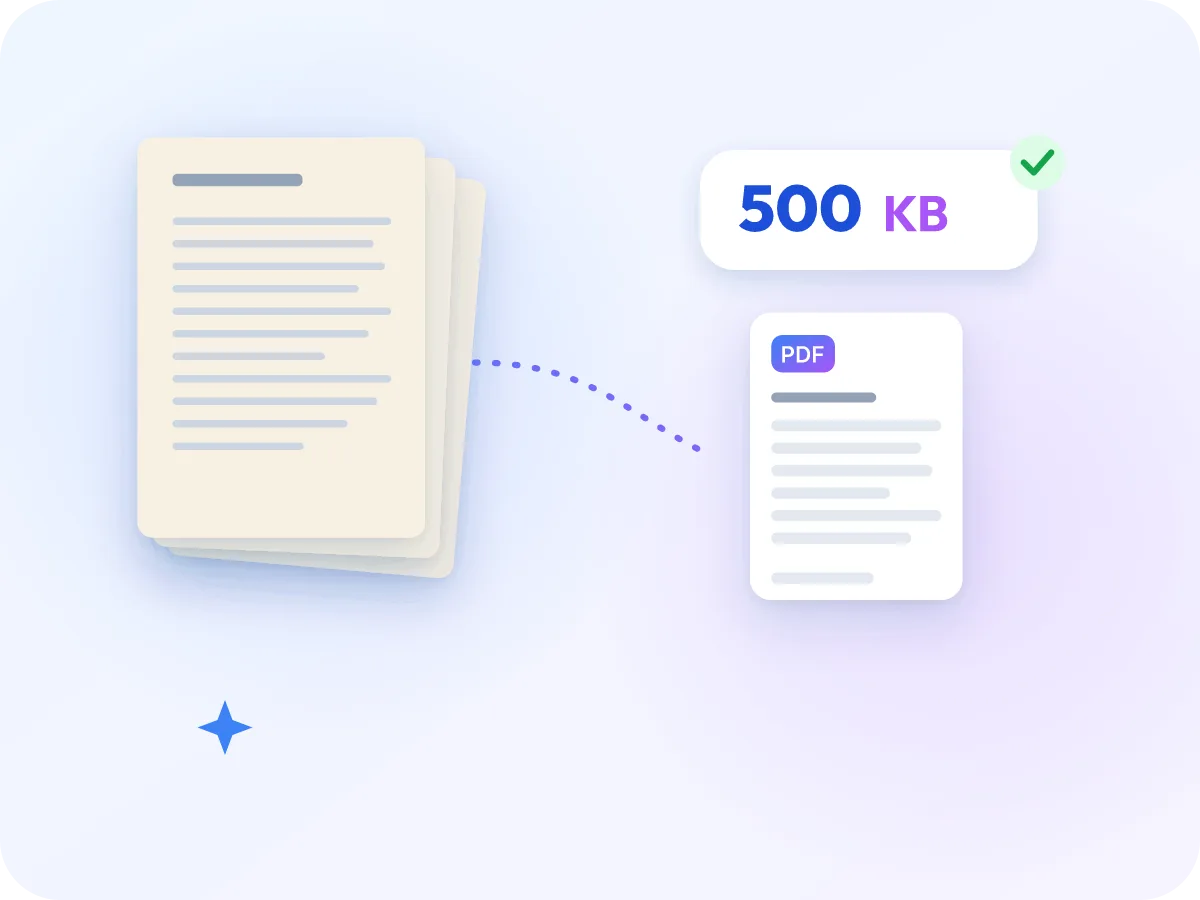
When 500 KB is the limit
This size suits documents of a few pages that must go up as one file.
Bank and government job forms
Recruitment forms that cap certificates at 500 KB, such as IBPS bank exams. Check the final size in the editor before you upload.
Rental and sale agreements
A signed agreement of several scanned pages, sent as one file to a landlord, buyer or bank.
Claims and expense receipts
Bills and receipts combined into one PDF for an insurance or expense claim with a per-file limit.
Reading on a phone
A smaller file downloads faster for someone opening it on mobile data.
Frequently asked questions
How many pages fit in 500 KB?
There is no fixed number. It depends on how much detail the pages hold: a page of plain text needs less room than a photo or a colour form. The editor estimates the smallest size for your file before you start.
Will stamps and signatures stay sharp?
Check them before you upload. Use the slider and page arrows to look at each stamp and signature. Leave Grayscale off if a stamp or ink colour matters, because it turns colours gray.
Does every page get the same compression?
Yes. The editor finds one setting and uses it on every page. At that setting, pages with photos or colour end up bigger than plain text pages.
Can the compressed PDF be searchable?
Not by itself, because each page becomes a picture. You can run OCR PDF on the result to add searchable text. That adds to the file size, so aim a little lower, such as 450 KB.
Why is my file under 500 KB rather than exactly 500 KB?
The editor aims about 5% under the target on purpose. Sites count 500 KB as 500,000 or 512,000 bytes, and a file right at the edge can be rejected. If the target can't be reached at all, the editor says so after compressing.
Can I combine several documents and compress them together?
Yes. Combine them with Merge PDF, then drop the merged file here. The estimate tells you if it is too long for 500 KB. If your form allows more, the 1 MB version leaves each page more detail.
Is resizing a PDF to 500 KB the same as compressing it?
Yes. When a job or claim form asks you to resize a PDF to 500 KB, it means the file size, and that is what this page does. To change the paper size instead, such as to A4 or Letter, use Resize PDF.
Related tools
Ready to fit your document under 500 KB?
Drop your PDF above. The 500 KB target is set, the file is compressed on your device, and you can check each page before you send it.
Choose files