
How Browser-Based PDF Editing Works (And Why Privacy Matters)
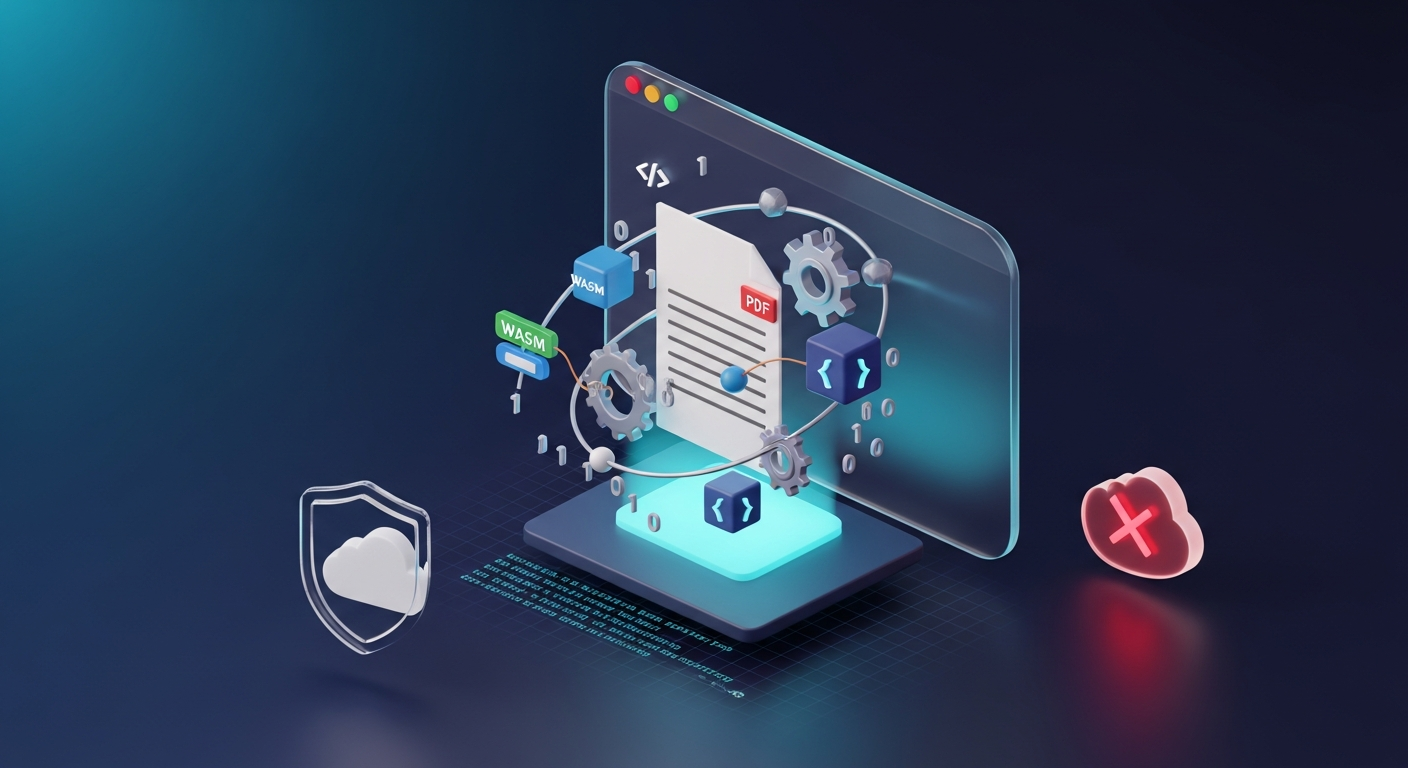
A technical explainer of how LuraPDF processes PDFs entirely in your browser using pdf-lib, pdfjs-dist, Tesseract.js, and WebAssembly — with no uploads, no cloud, and no data exposure.

Editorial & Technical Team
The LuraPDF team consists of document processing experts, software engineers, and technical writers dedicated to making professional PDF editing free, private, and accessible.
A collaborative team with decades of combined experience in web engineering, client-side document processing, and technical communication.

A technical explainer of how LuraPDF processes PDFs entirely in your browser using pdf-lib, pdfjs-dist, Tesseract.js, and WebAssembly — with no uploads, no cloud, and no data exposure.

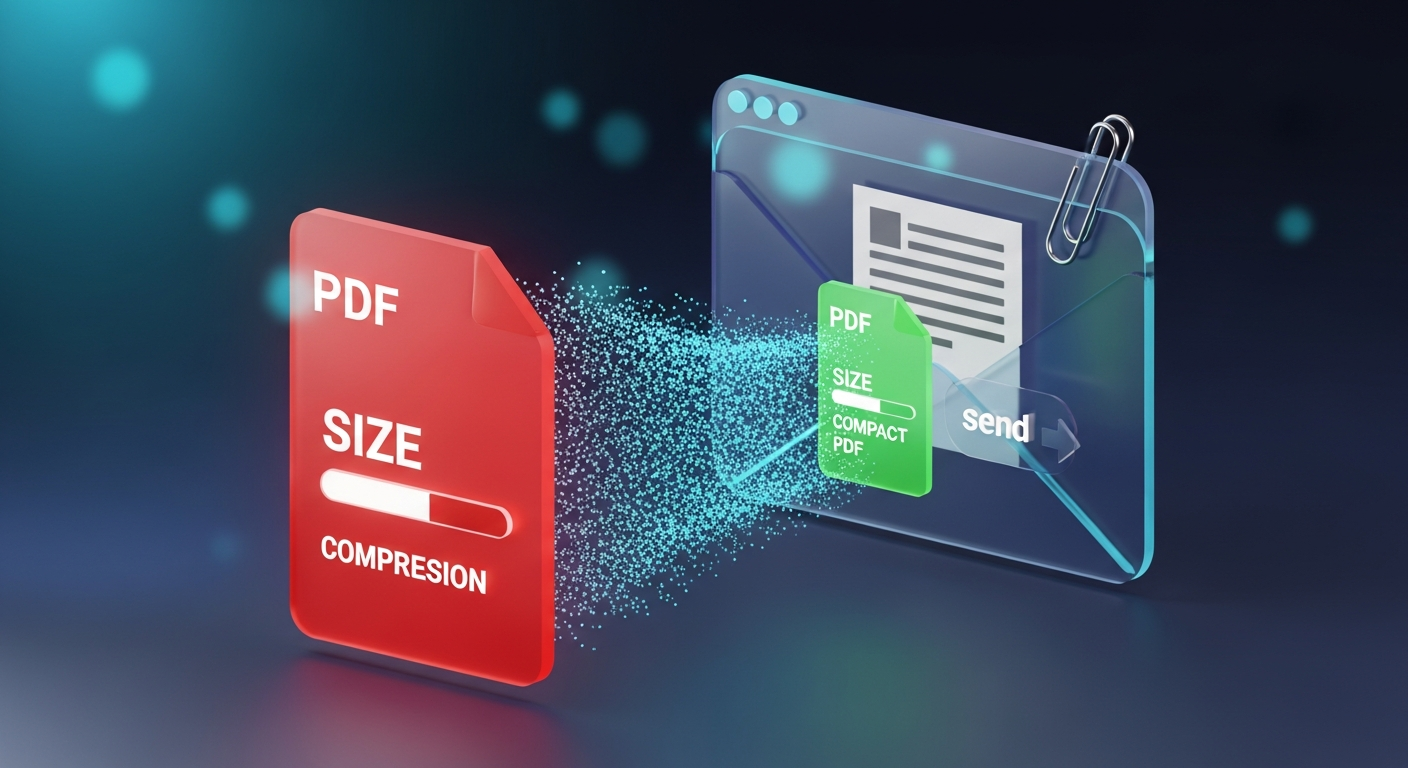
Learn the fastest ways to reduce a PDF's file size to meet email attachment limits. Covers Gmail, Outlook, and common email size restrictions, plus compression strategies ranked by effectiveness.

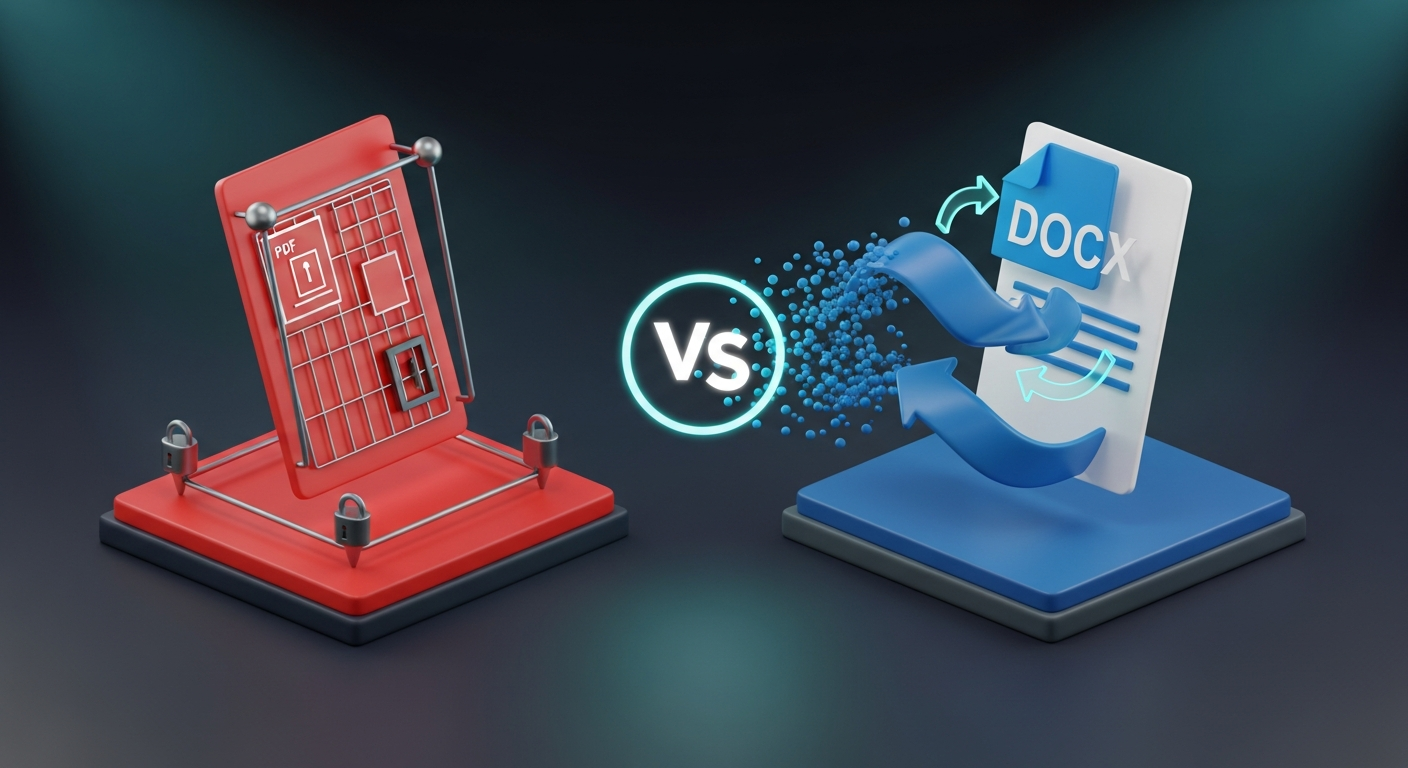
A practical decision guide for choosing between PDF and Word document formats. Covers format strengths, rendering consistency, editability, archival, sharing, and a flowchart for deciding which to use.

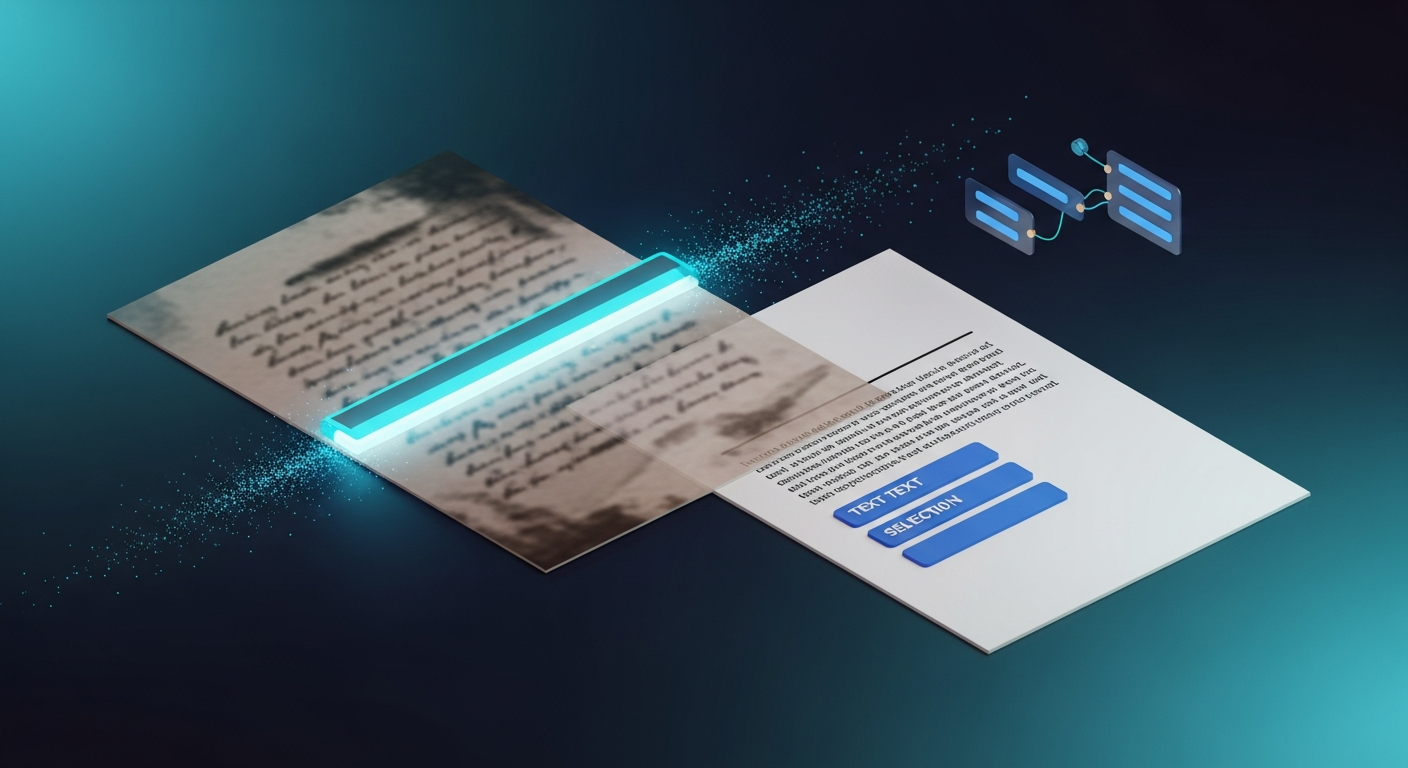
Learn how OCR (Optical Character Recognition) works, what affects accuracy, and how to convert a scanned PDF into a searchable, copy-pasteable document using LuraPDF's browser-based OCR tool.

A practical guide to adding password protection to PDFs. Explains the difference between open and permissions passwords, PDF encryption levels (RC4, AES-128, AES-256), and what protection actually prevents.

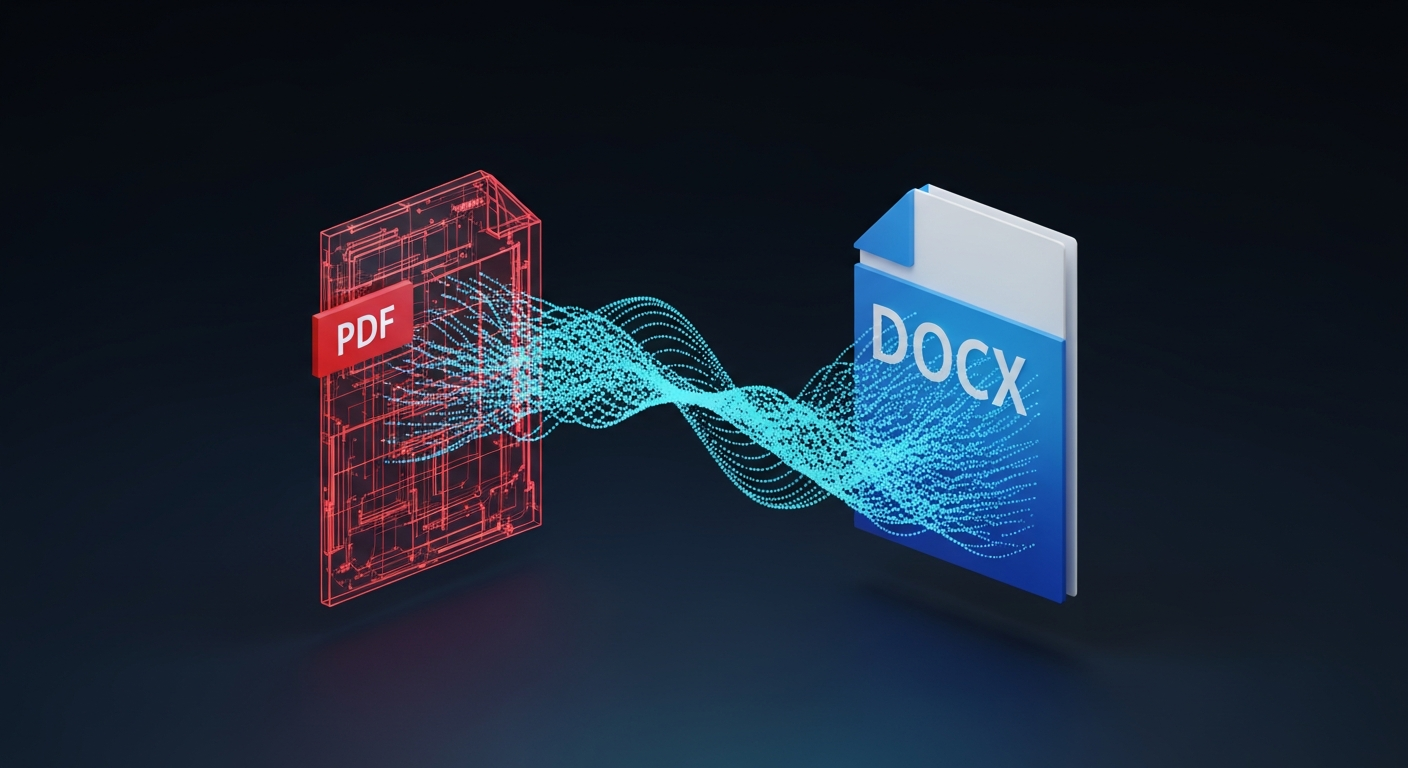
Understand why PDF-to-Word conversion is inherently imperfect, what formatting survives conversion, what doesn't, and the techniques that minimize formatting loss.

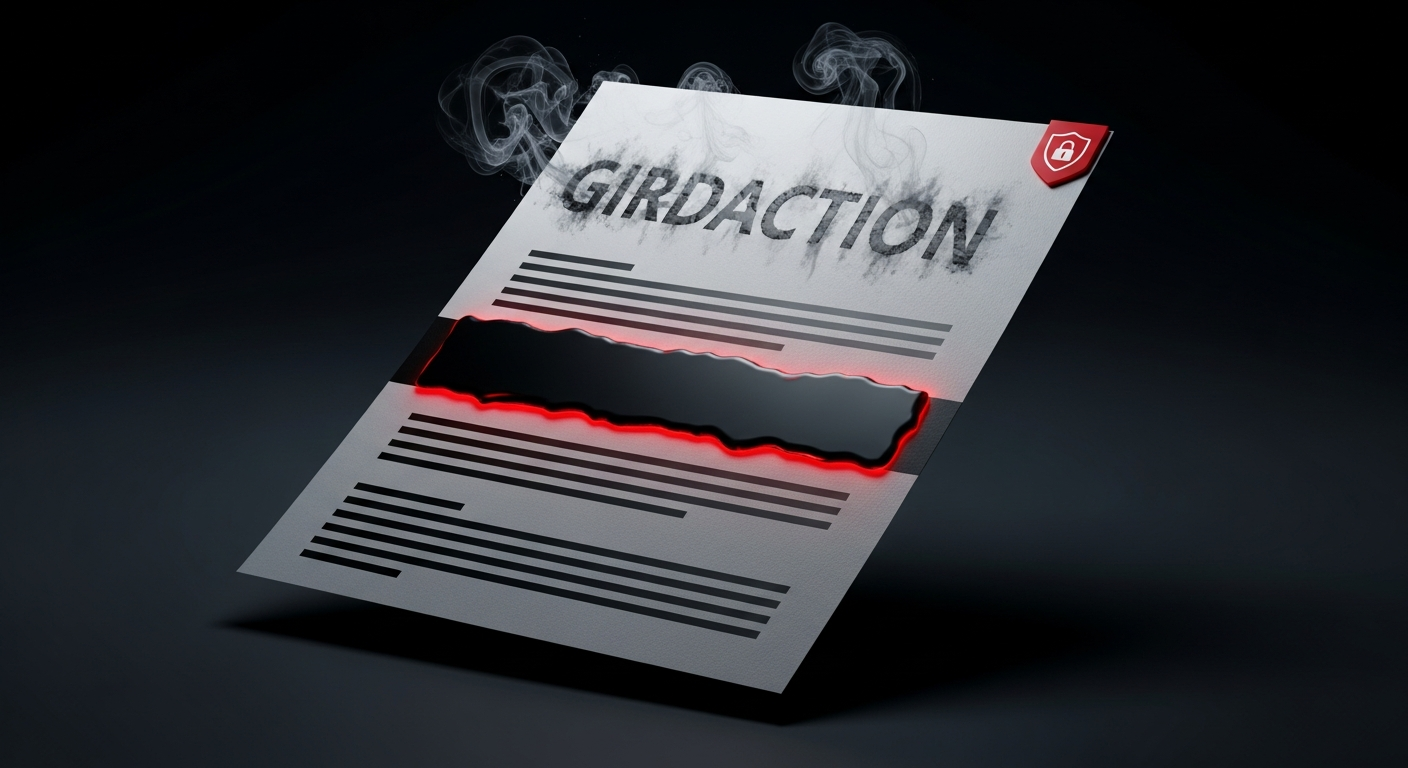
Learn the right way to redact PDFs — and why drawing a black rectangle isn't enough. Covers proper redaction technique, the risks of fake redaction, and how to verify that redacted content is truly gone.

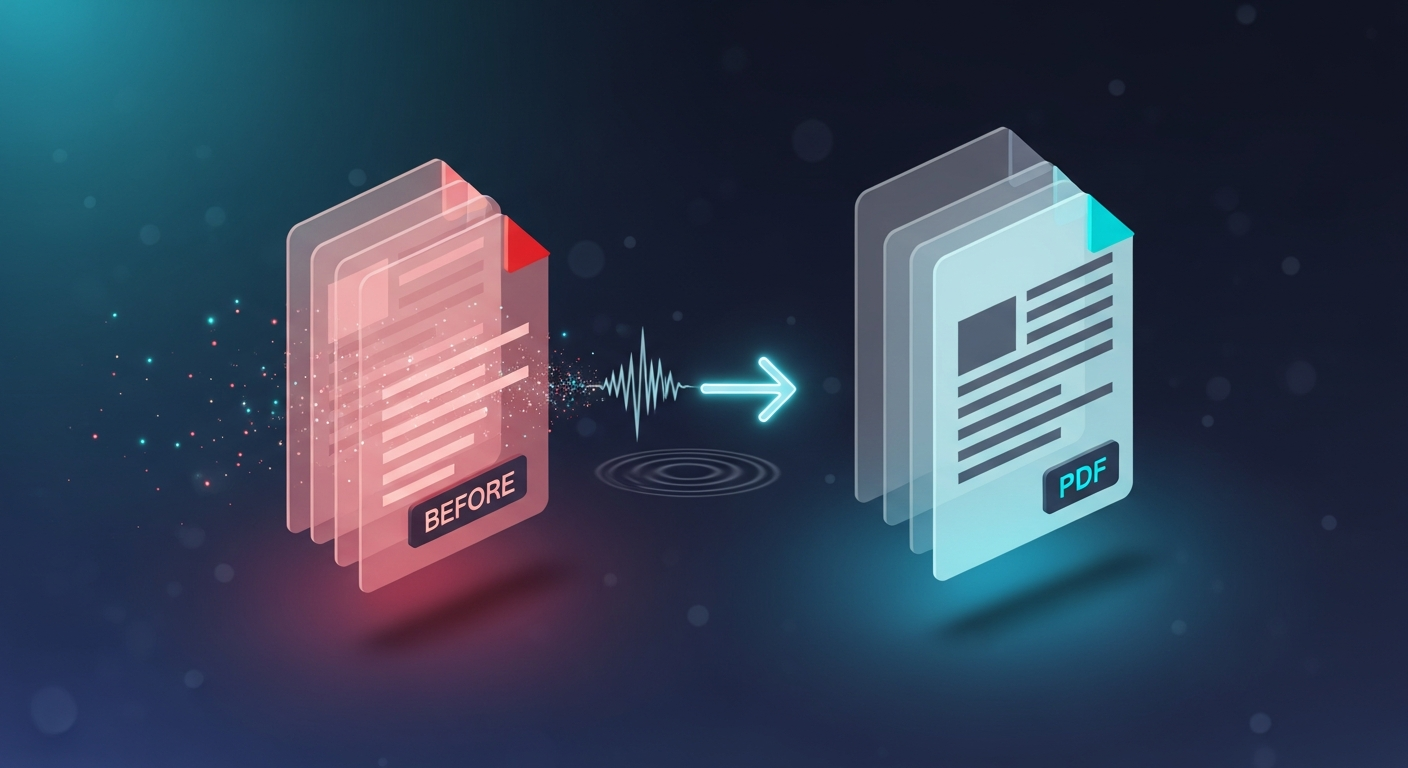
Learn exactly how PDF compression works and how to compress a PDF file without noticeable quality loss. Includes before/after size comparisons and explains which content compresses best.

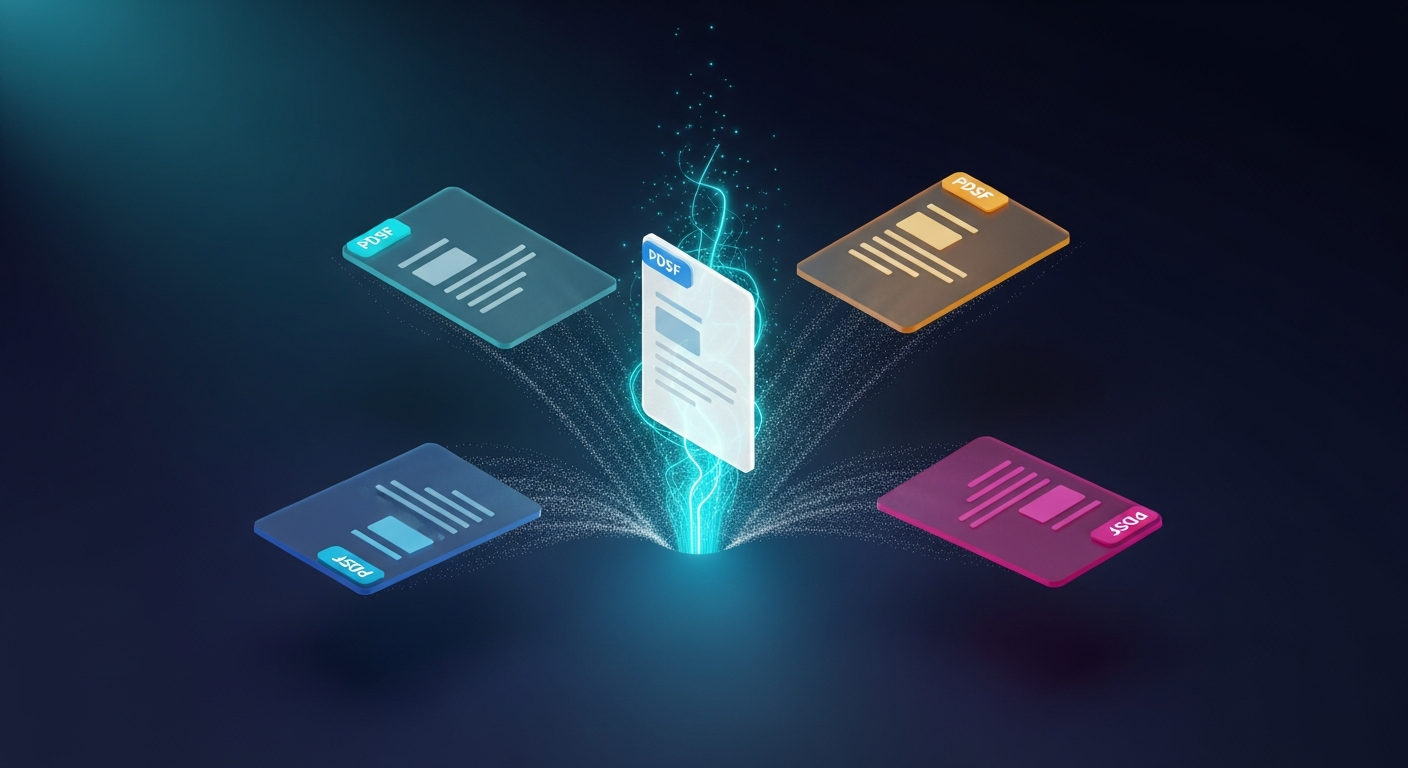
Step-by-step guide to merging multiple PDF files into one. Learn when to merge vs. keep separate, how to control page order, and why browser-based merging is safer for sensitive documents.

Learn how to add a legally valid electronic signature to a PDF without paying for Adobe Acrobat or DocuSign. Covers e-signature types, legal validity, and when a simple e-signature isn't enough.