Compress PDF to 200 KB for Applications
Fit certificates, mark sheets and scholarship papers under a 200 KB limit. The target is already set, and your files stay on your device.
Select a PDF to compress to 200 KB
or drop it here. Target size opens set to 200 KB.
Your files never leave your device
A 5.35 MB scan, brought under 200 KB
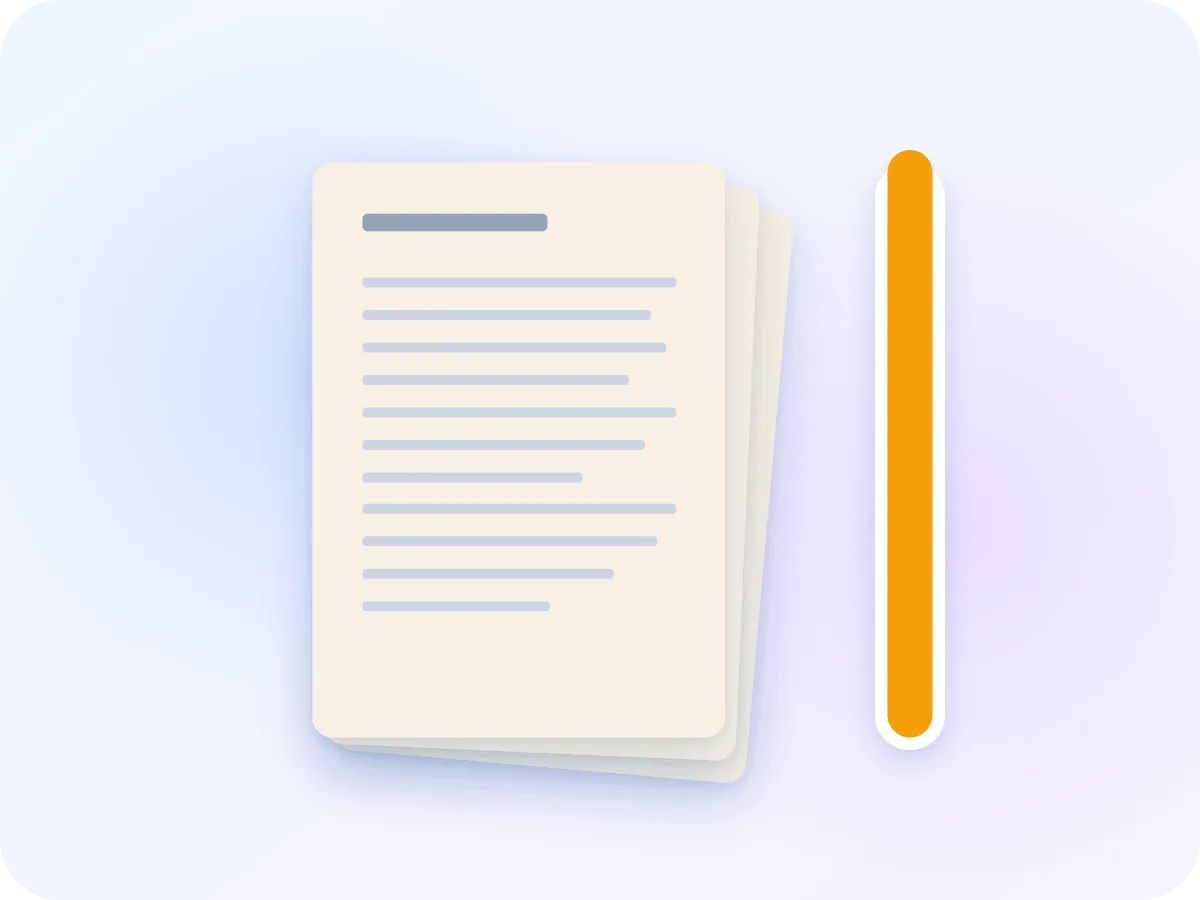
5.35 MBOriginal: a 4-page colour scan
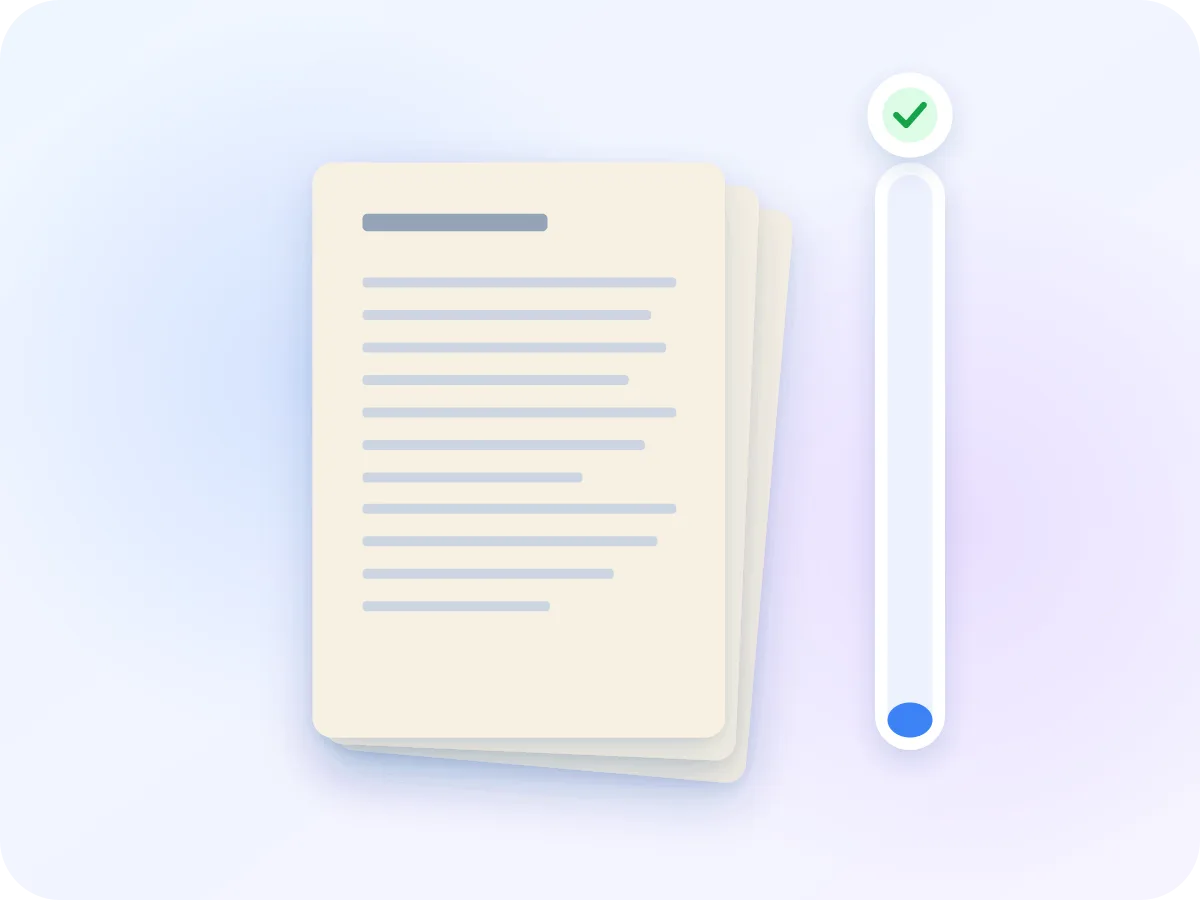
142.1 KBWith the 200 KB target: target met
We ran a 4-page colour scan at 300 dpi through this tool with the 200 KB target. It came out at 142,142 bytes. Longer or more detailed files may not reach the target. If that happens, the tool tells you the smallest size it can reach.
How to compress a PDF to 200 KB
Add one document
Drop your certificate or mark sheet on the box above. The editor takes one file at a time, so do each document in turn.
Confirm the 200 KB target
Target size is on and set to 200 KB. If your form gives a different limit, such as 300 KB, type that number instead.
Look at the estimate
The editor shows the smallest size it expects for this file. A warning appears if 200 KB looks out of reach.
Compress, download, compare
Click Compress & Download. The file downloads right away, and a slider lets you compare each page with the original.
Why use the 200 KB preset
Straight to the limit
The target is set when the editor opens. You don't have to try quality levels one by one.
Your records stay private
Certificates carry your name, ID numbers and grades. They are compressed in your browser and never uploaded.
Check grades and seals
Step through the before/after view page by page before you submit anything.
Grayscale for colour scans
When a colour scan won't fit, turn on Grayscale. It removes the colour, and the estimate updates so you can see the new size.
What changes when you compress to 200 KB
Target size turns each page into a compressed picture and puts them in a new PDF. Your pages look the same, but some parts stop working.
| Part of the file | After compressing | What that means |
|---|---|---|
| Pages | Kept | Every page stays, in the same order, size and orientation. |
| Text | Turned into a picture | Grades and names stay visible, but can't be selected or searched. |
| Links and fillable fields | Don't work | Bookmarks, links and form fields are not rebuilt. |
| Colour | Kept by default | Grayscale stays off until you switch it on. |
| Password-protected files | Remove the password first | The editor shows a link to Unlock PDF. |
A file that is already under 200 KB doesn't need this. Compressing it would turn its text into pictures and may not make it smaller.
Make a PDF fit a 200 KB application limit
Scholarship and admission forms often ask for each certificate as its own small file. India's National Scholarship Portal, for example, takes scheme documents such as the income certificate at up to 200 KB. A scan of two or three pages can easily be bigger than that.
This page opens the Compress PDF editor with Target size set to 200 KB. It tests a few pages, picks the lightest setting it expects to fit, and builds the file. Then you can compare every page with the original, so grades, seals and signatures are easy to check.
Documents people compress to 200 KB
These uploads usually come one document per box, each with its own size limit.
Scholarship portals
Income certificates and other scheme papers, each saved as its own PDF under the portal limit.
Mark sheets and transcripts
Admission forms ask for mark sheets one at a time. A two-page transcript fits 200 KB more easily than a long one.
Reference letters
A signed reference or no-objection letter you scanned to attach to an application.
Multi-page phone scans
Scanner apps save every page as a large photo. Compress the set to 200 KB, then check each page on the slider.
Frequently asked questions
How do I compress a PDF to 200 KB?
Drop your PDF on the box at the top of this page and click Compress & Download. The target is already set to 200 KB, and the smaller file downloads to your device.
Should I compress my resume this way?
Only if it is a scan. A resume made in Word or Google Docs has real text, and this mode turns each page into a picture. If a job site reads the text from your resume, use Optimize PDF, which keeps the text but doesn't aim for a size.
What happens if my PDF can't reach 200 KB?
You get the smallest file the editor could make, plus a note that the target was missed. Try Grayscale, or remove pages the form doesn't need. If the form accepts bigger files, the 500 KB version keeps more detail.
The form says 200 KB but rejects my file. Why?
Sites count KB in different ways: 200 KB can mean 200,000 or 204,800 bytes. The editor counts 1 KB as 1,000 bytes, the stricter of the two, and aims about 5% under the target. A file that meets 200 KB here passes either way.
Is it safe to compress certificates online?
Yes, here. Your PDF is compressed inside your browser and never sent to a server. Nothing is saved after you close the tab.
Can I compress several documents at once?
No, one file at a time. After each download, come back to this page to start the next file with 200 KB set again. If a form wants several pages as one file, combine them with Merge PDF first.
Is resizing a PDF to 200 KB the same as compressing it?
Yes. When an admission or scholarship form asks you to resize a PDF to 200 KB, it means the file size, and that is what this page does. To change the paper size instead, such as to A4 or Letter, use Resize PDF.
Related tools
Ready to fit your PDF under 200 KB?
Drop your PDF above. The 200 KB target is set, compression happens on your device, and you can check every page before you submit.
Choose files