Compress PDF to 100 KB for Upload Forms
Shrink a PDF to fit forms that take 100 KB or less. The target is already set, and your file never leaves your device.
Select a PDF to compress to 100 KB
or drop it here. The 100 KB target is already set.
Your files never leave your device
A 5.35 MB scan, brought under 100 KB
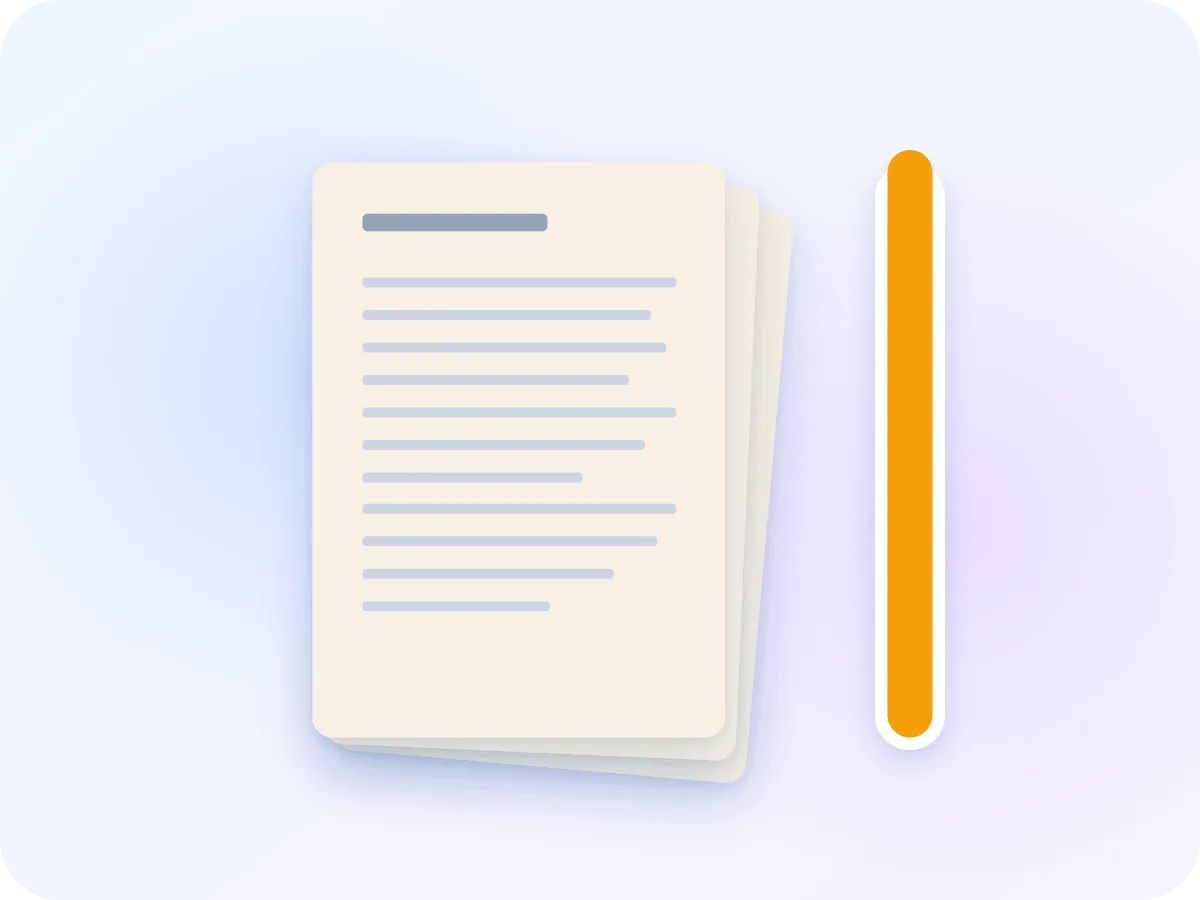
5.35 MBOriginal: a 4-page colour scan
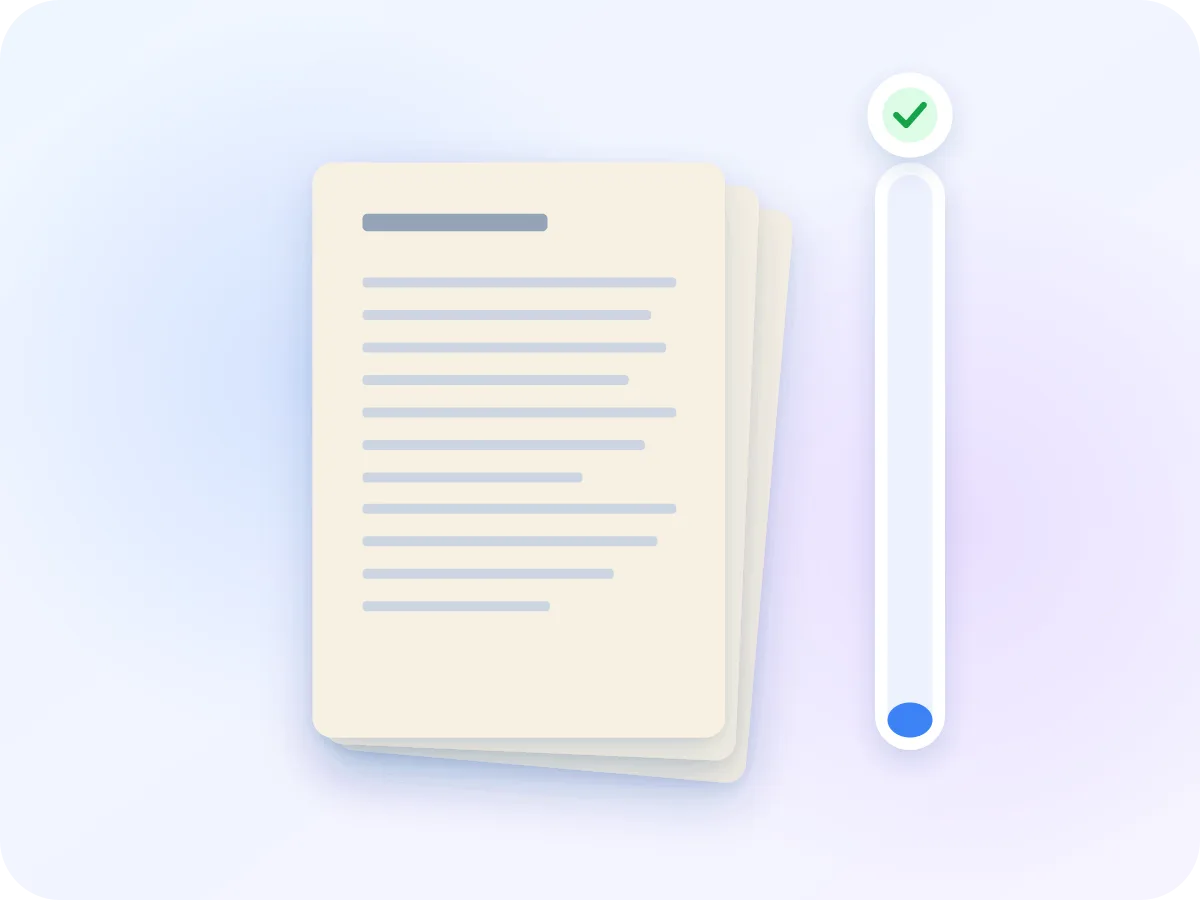
65.6 KBWith the 100 KB target: target met
We ran a 4-page colour scan at 300 dpi through this tool with the 100 KB target. It came out at 65,623 bytes. Longer or more detailed files may not reach the target. If that happens, the tool tells you the smallest size it can reach.
How to compress a PDF to 100 KB
Drop your PDF
Drop one PDF on the box above, or click Select a file. It opens in the editor on your device, without an upload.
Keep 100 KB or change it
Target size is already on and set to 100 KB. Type a different number if your form allows it, or turn on Grayscale for a colour scan.
Read the estimate
Under the target you see the smallest size this file can reach. If that is above 100 KB, a warning tells you before you compress.
Compress and check
Click Compress & Download. The new file saves with -compressed added to its name. Then drag the before/after slider to check each page is easy to read.
What the 100 KB tool does for you
Target already set
No guessing with quality levels. The editor tests a few pages, picks the lightest setting it expects to fit, and makes the file.
Made for ID documents
Passport pages and ID proofs are compressed inside your browser. Nothing is uploaded, and nothing is kept after you close the tab.
Check every page
A before/after slider shows the original and the result side by side, one page at a time.
A clear answer when it won't fit
If 100 KB can't be reached, the editor warns you first and tells you the size it managed afterwards.
What a 100 KB file keeps
To fit 100 KB, the editor redraws each page as a compressed picture and builds a new PDF from them. Here is what that means for your file.
| Part of the file | After compressing | What that means |
|---|---|---|
| Pages | Kept | Same number of pages, each with the same size and orientation. |
| Text | Becomes part of the picture | You can read it, but you can't select, search or copy it. |
| Links, bookmarks and form fields | Don't work | They are not rebuilt in the new file. |
| Colour | Kept | Unless you turn on Grayscale, which removes it. |
| Password-protected files | Remove the password first | A file that needs a password won't open in the editor. |
Document details such as the title and author are not copied into the new file.
Get a PDF under 100 KB for a strict upload form
Some online forms take only very small files, such as a passport page for an e-visa or an ID proof for an exam or bank form. A phone or office scan of a single page can easily be bigger than 100 KB. This page opens the Compress PDF editor with the target set to 100 KB, so you drop your file and download.
100 KB is a small space, and it works most easily for one or two pages. Before you start, the editor shows the smallest size it expects to reach. If 100 KB is out of reach, it tells you, still gives you the smallest file it could make, and you can keep only the pages the form asks for.
Who needs a PDF under 100 KB
Very small limits show up most on forms that take one document per upload box. These are common cases.
E-visa passport pages
Some e-visa forms want only the passport photo page, as a small PDF. One page fits 100 KB far more easily than a whole booklet.
ID and address proofs
Many Indian exam and ID forms take files between 50 and 500 KB. A one-page ID card or utility bill is a good fit for 100 KB.
A single signed page
A signed declaration or consent page you scanned to send back. Compress just that page, not the whole form.
Cards scanned on a phone
Scanner apps save each page as a large photo. Compress the scan to 100 KB, then check the small print on the slider.
Frequently asked questions
Can every PDF be compressed to 100 KB?
No. The size depends on how many pages the file has and how much detail they hold. The editor shows its estimate before you start. If it can't reach 100 KB, you still get the smallest file it could make, with a note saying the target was missed.
Will the text still be readable at 100 KB?
It depends on the page count. Every page gets the same setting, so one page keeps far more detail than ten pages at the same size. Check names and numbers on the slider. If your form allows more, the 200 KB version leaves more room.
Is it safe to compress a passport or ID scan here?
Yes. The file is read and compressed inside your browser and is never sent to a server. When you close the tab, it is gone from the page.
Will the file be under 100,000 bytes?
That is the aim. The editor counts 100 KB as 102,400 bytes and aims about 5% lower, at roughly 97 KB, which is under 100,000 bytes. If your form is strict, check the size shown after compressing, or type 95 as your target.
Can I still select or search the text?
No. To get this small, each page is saved as a compressed picture, so text can't be selected, searched or copied. Keep text mode in the same editor keeps the text, but it doesn't aim for a size.
My PDF is password-protected. Can I still compress it?
Not directly. The editor shows a message with a link to Unlock PDF. Remove the password there, then come back and compress the new file.
Is resizing a PDF to 100 KB the same as compressing it?
Yes. When a form asks you to resize a PDF to 100 KB, it means the file size, and that is what this page does. To change the paper size instead, such as to A4 or Letter, use Resize PDF.
Related tools
Ready to get your PDF under 100 KB?
Drop your PDF above. The 100 KB target is already set, the work happens on your device, and there is no signup or watermark.
Choose files